
How to Set Up a Trust Wallet and Use It at Crypto Casinos
How to Set Up a Trust Wallet and Use It at Crypto Casinos
Trust Wallet is a self custody, multi chain wallet that lives mainly on your phone, a popular choice for players who deposit on the go. This guide takes you from install to your first safe casino deposit.

Self custody means you alone hold the keys, so no company can reset your access. How you set up and back up the wallet is the most important thing on this page.
Before you start
- Trust Wallet is a mobile app (iOS, Android) and a browser extension. The app is the main experience; the same wallet restores on either with your secret phrase.
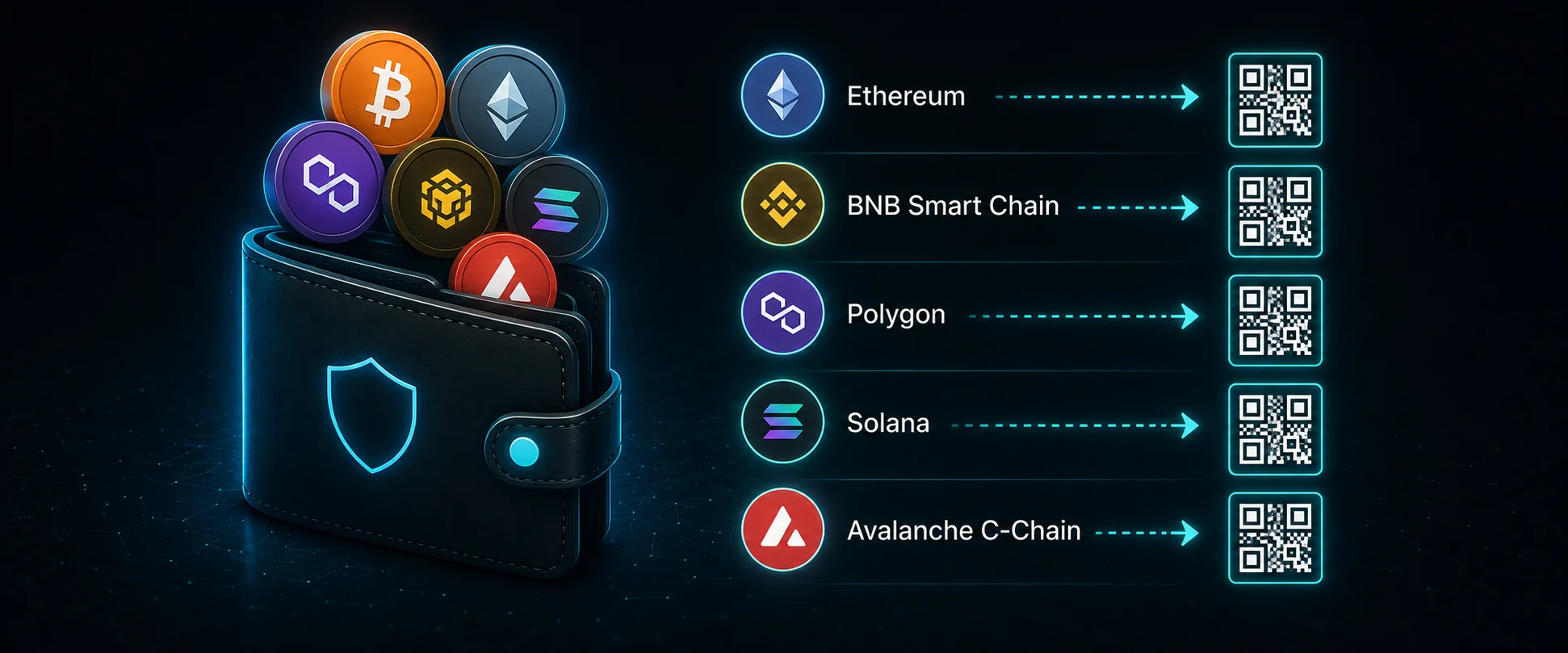
- It is multi chain by default: one wallet holds Ethereum, BNB Chain, Polygon and many others, each with its own address.
- You will create two different secrets: a PIN that protects the app on your phone, and a 12 word secret phrase that restores the whole wallet. They are not the same.
Step by step
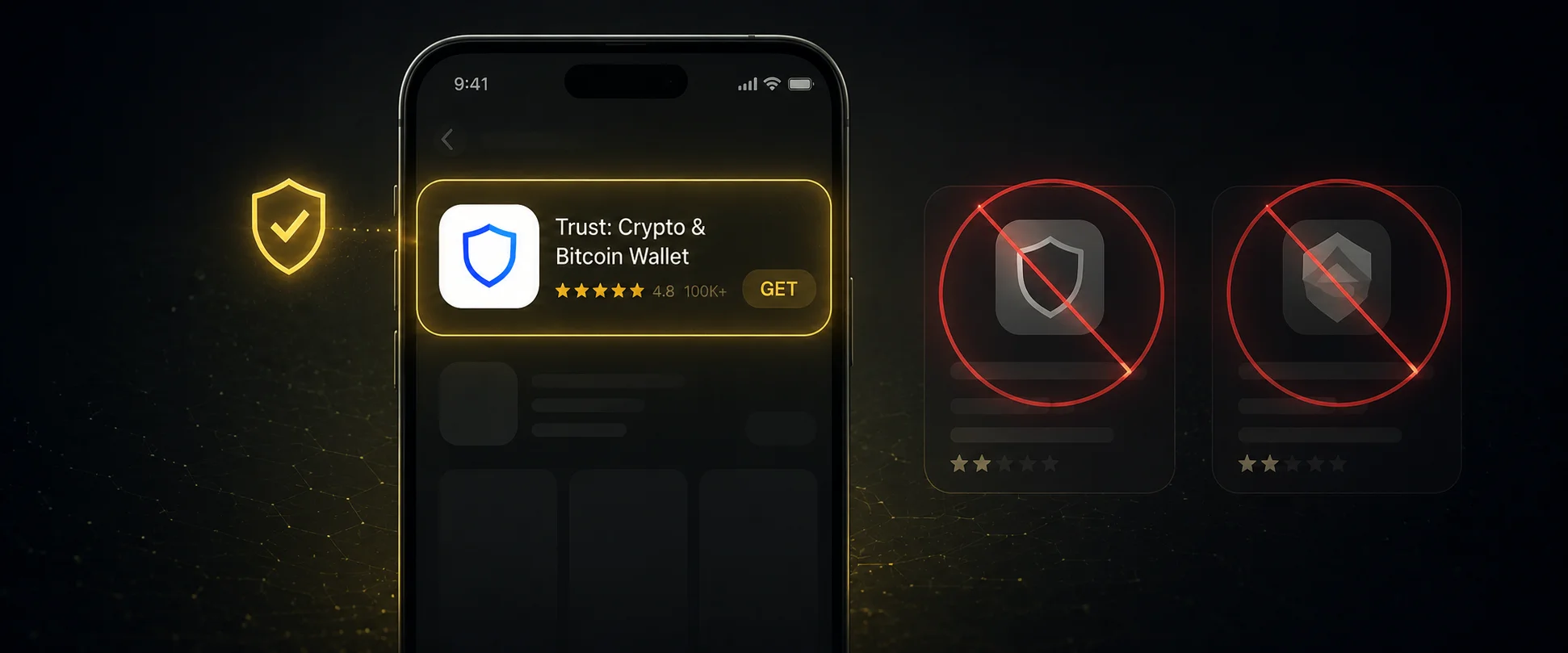
Install Trust Wallet from the official source only
- Install from the App Store or Google Play, or from trustwallet.com/download, and verify the publisher.
- Open the app once installed.
- On desktop, add the official browser extension and pin it.
Create a new wallet and set a PIN
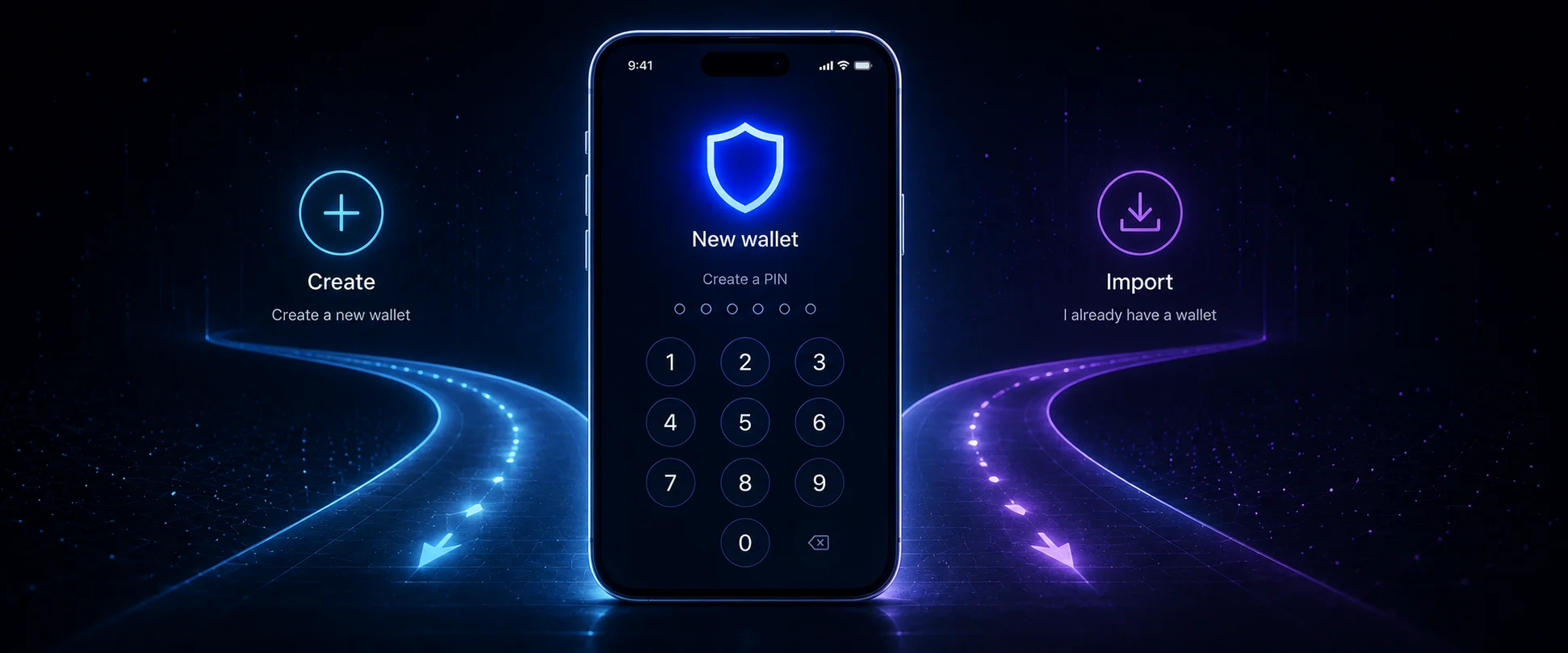
- Open the app and on the welcome screen choose Create a New Wallet (use Import only to restore an existing one).
- Set a secure PIN code to protect access to the app on your device.
Enable biometrics (optional)
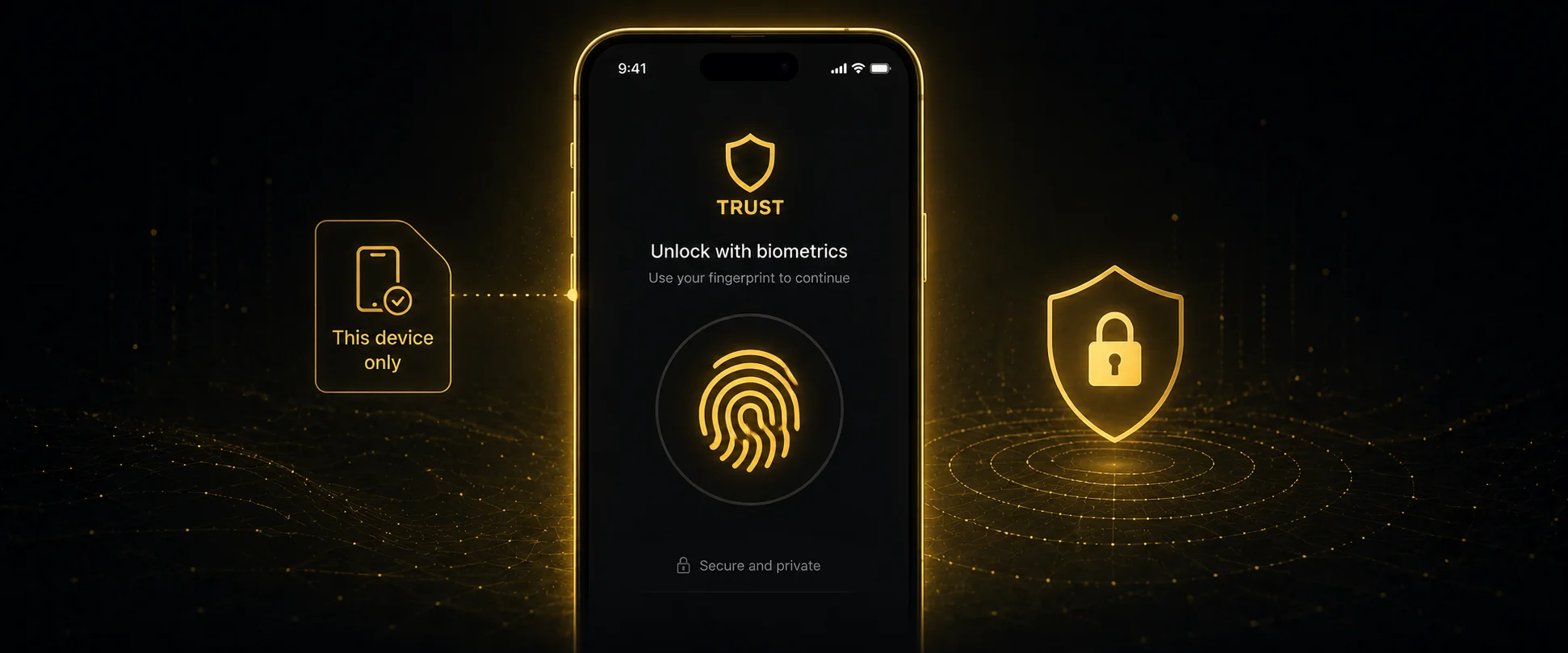
- You will be prompted to enable biometric login (Face ID or fingerprint).
- Enable it for quicker access, or skip it. Your wallet is ready to use after this.
Back up your secret phrase (do this immediately)
- Open the app and log in with your PIN or biometrics.
- Tap the wallet name at the top of the main screen.
- Tap the three vertical dots next to the wallet name.
- Select Manual, then enter your PIN to reveal the 12 word secret phrase.
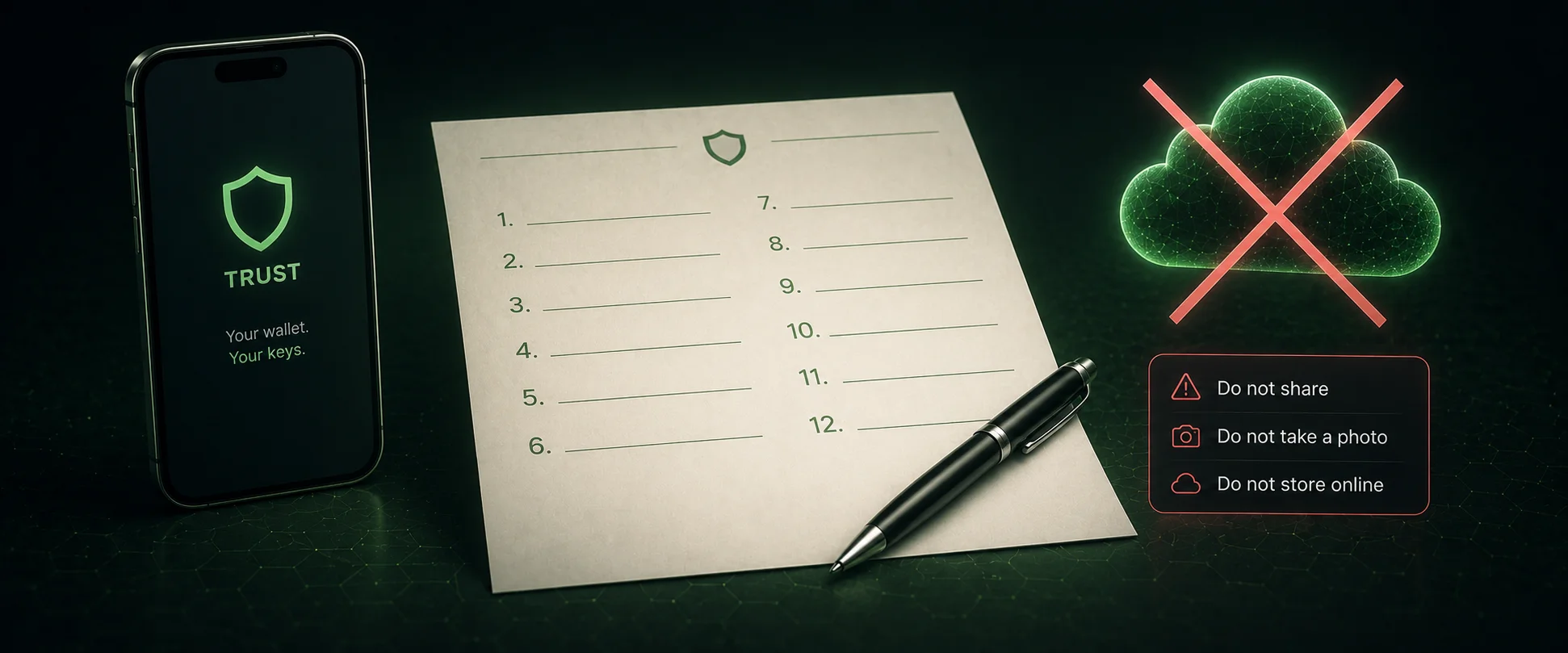
- Write it down offline, in order. Never screenshot it or save it digitally.
Trust Wallet does not ask during setup
The new onboarding skips the backup, but the 12 word phrase is the only way to recover your wallet. Do it right away. If anyone ever asks for these words, it is a scam.
Understand your addresses and networks
- Each coin has its own receiving address. Tap a coin, then Receive, to see its address and QR code.
- Because the wallet is multi chain, the network must match on both sides of a transfer.
- For Ethereum casino deposits, use Ethereum or the Layer 2 the casino supports (Arbitrum, Optimism, Base).
Add funds to your wallet
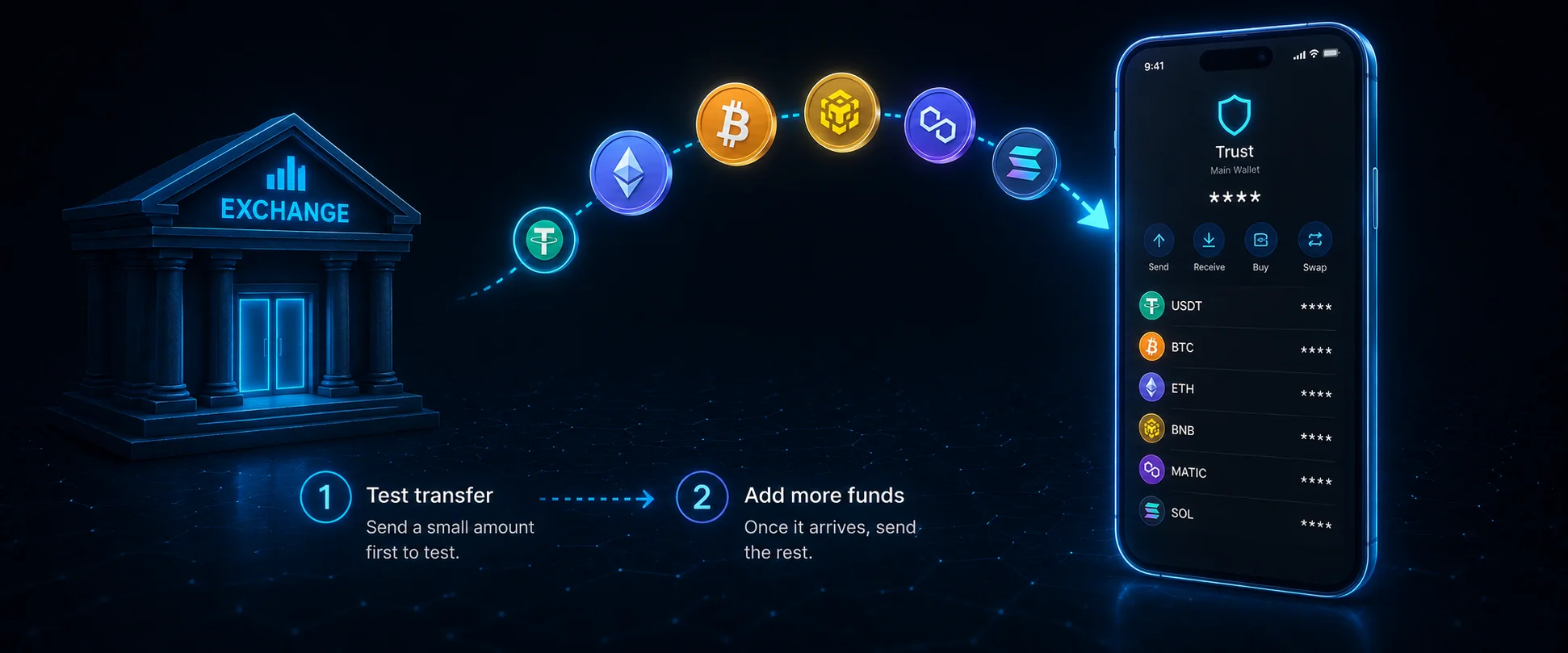
- Receive from an exchange: open the coin, tap Receive, copy the address, and withdraw to it from your exchange on the matching network.
- Buy in the app: use Buy (in the extension it is under Buy & Sell). Purchases use third party providers, with fees and checks by country.
Connect to a casino and deposit safely
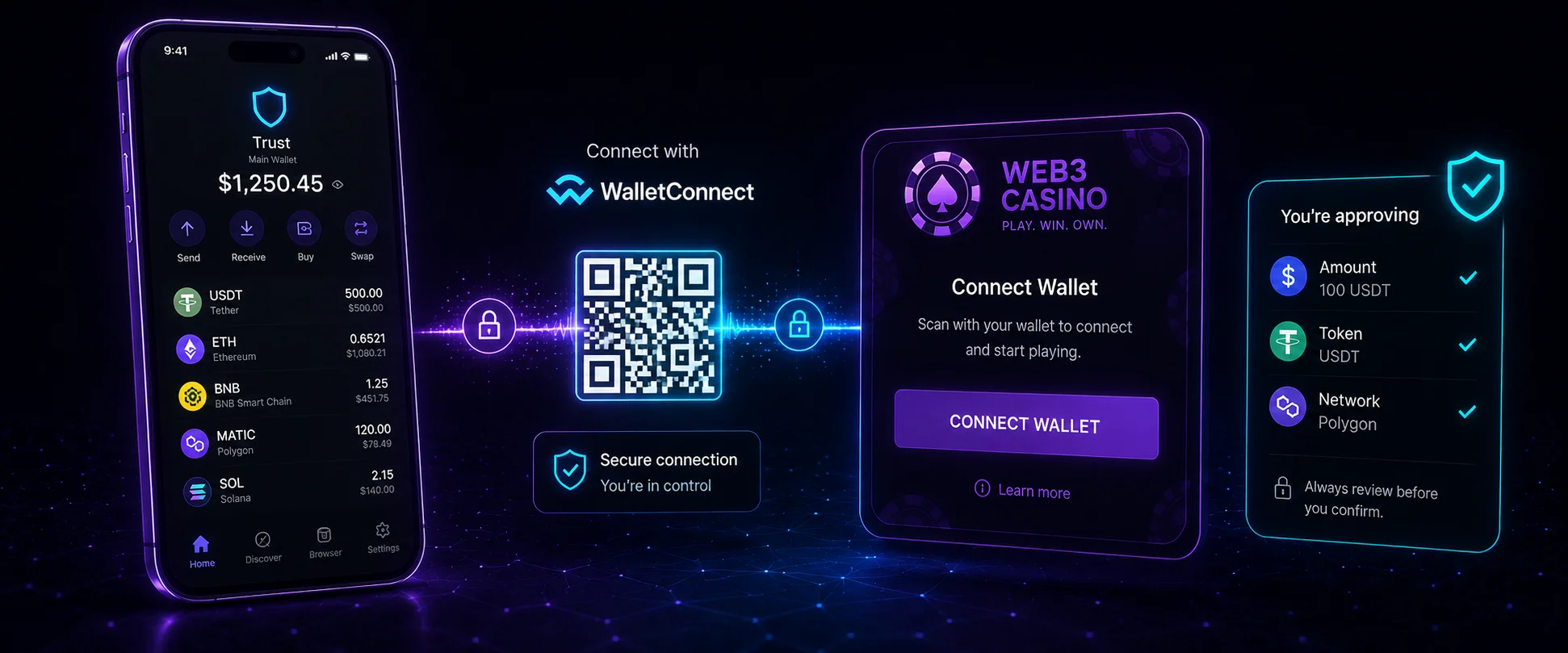
- Most Web3 casinos connect through WalletConnect. On the casino, choose Connect Wallet, pick WalletConnect or Trust Wallet, and approve. This shares only your public address.
- You can also use the in app browser (mobile) or the extension (desktop) to open the casino directly.
- Check the website address first. Phishing clones trigger fake prompts.
- Before approving any transaction, check the amount, the token and the network. Decline anything unclear, set deposit limits and play responsibly.
Security checklist
- 12 word phrase stored offline, never online, never shared.
- Downloads only from official sources, publisher verified.
- A small test transfer before any large one.
- Network checked on both sides of every transfer.
- For larger balances, consider a hardware wallet.
Frequently asked questions
Is Trust Wallet free?
Yes. You only pay blockchain network fees when you transact.
What if I lose my phone?
Reinstall Trust Wallet on a new device and restore with your 12 word secret phrase.
What if I lose my secret phrase?
If you also lose the device, no one can recover the funds. That is why the offline backup matters.
Can I have more than one wallet in the app?
Yes, Trust Wallet supports multiple wallets in one app. Each has its own 12 word phrase, so back up every wallet separately.
Which network should I use for casino deposits?
Whichever the casino supports, usually Ethereum or a cheaper Layer 2. Always match the network on both sides.
