How to Set Up a MetaMask Wallet and Use It at Crypto Casinos
How to Set Up a MetaMask Wallet and Use It at Crypto Casinos
MetaMask is the self custody wallet most Web3 casinos support first. This guide takes you from a clean install to your first safe deposit, with the security checks that protect your money along the way.
Self custody means you, and only you, control the funds. No company can reset your access, so how you set up and back up the wallet is the most important thing on this page.
Before you start
- MetaMask runs as a browser extension (Chrome, Brave, Edge, Firefox) and as a mobile app. The same wallet can live on both.
- A wallet holds keys, not coins. Lose the keys and you lose access, which is why the backup step matters most.
- You will create two different secrets: a password that unlocks one device, and a 12 word Secret Recovery Phrase that restores the whole wallet. They are not the same.
Step by step
Install MetaMask from the official source only
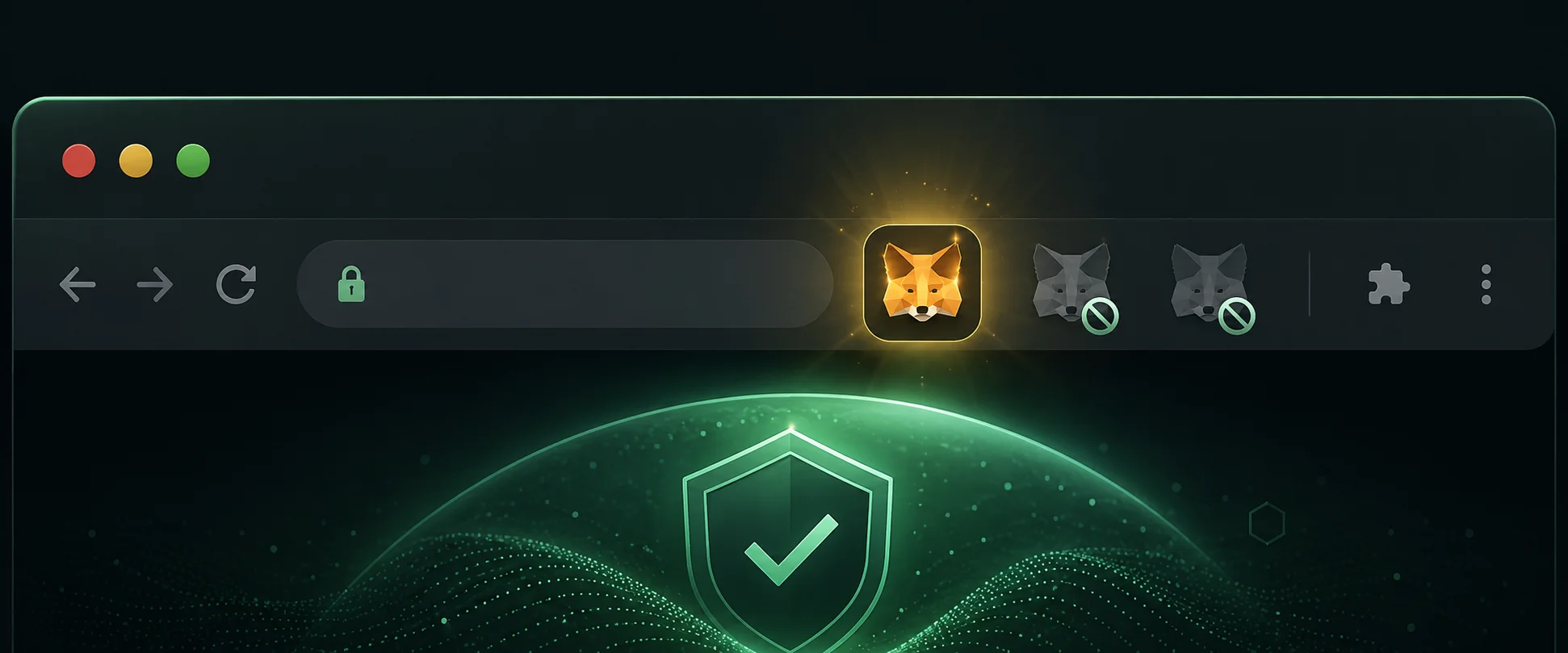
- Use the official site or your browser store, and verify the publisher. Fake wallet extensions are the top way people lose funds.
- Add the extension, or install the mobile app from the App Store or Google Play.
- Pin the extension so you always open the real one.
Create a new wallet
- Open MetaMask and choose Get started.
- Select Create a new wallet (Import is for restoring an existing one).
- Any data sharing prompt is optional and can be declined.
Set a password
- Create a strong password you do not reuse anywhere else, and confirm it.
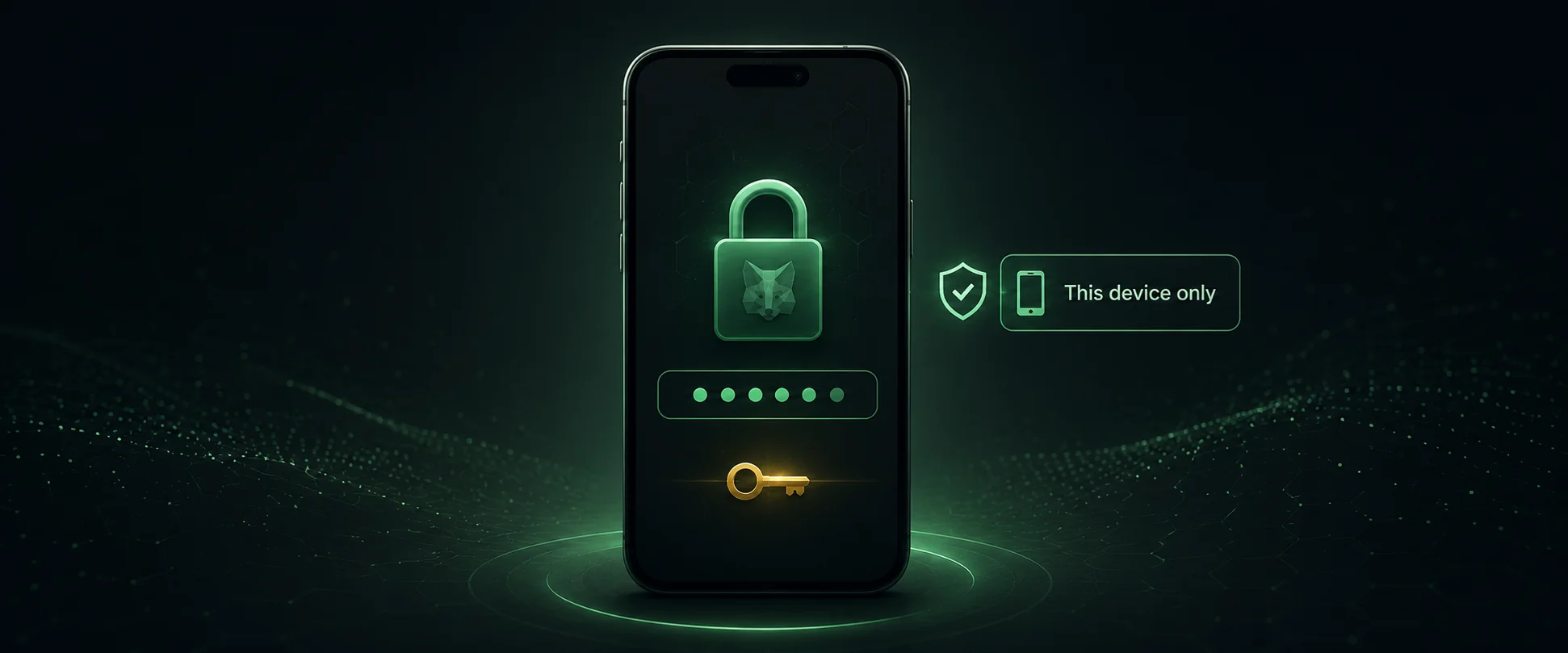
- Understand this password unlocks MetaMask on this device only. The recovery phrase restores the wallet.
Save your Secret Recovery Phrase
- Choose Secure my wallet, not remind me later.
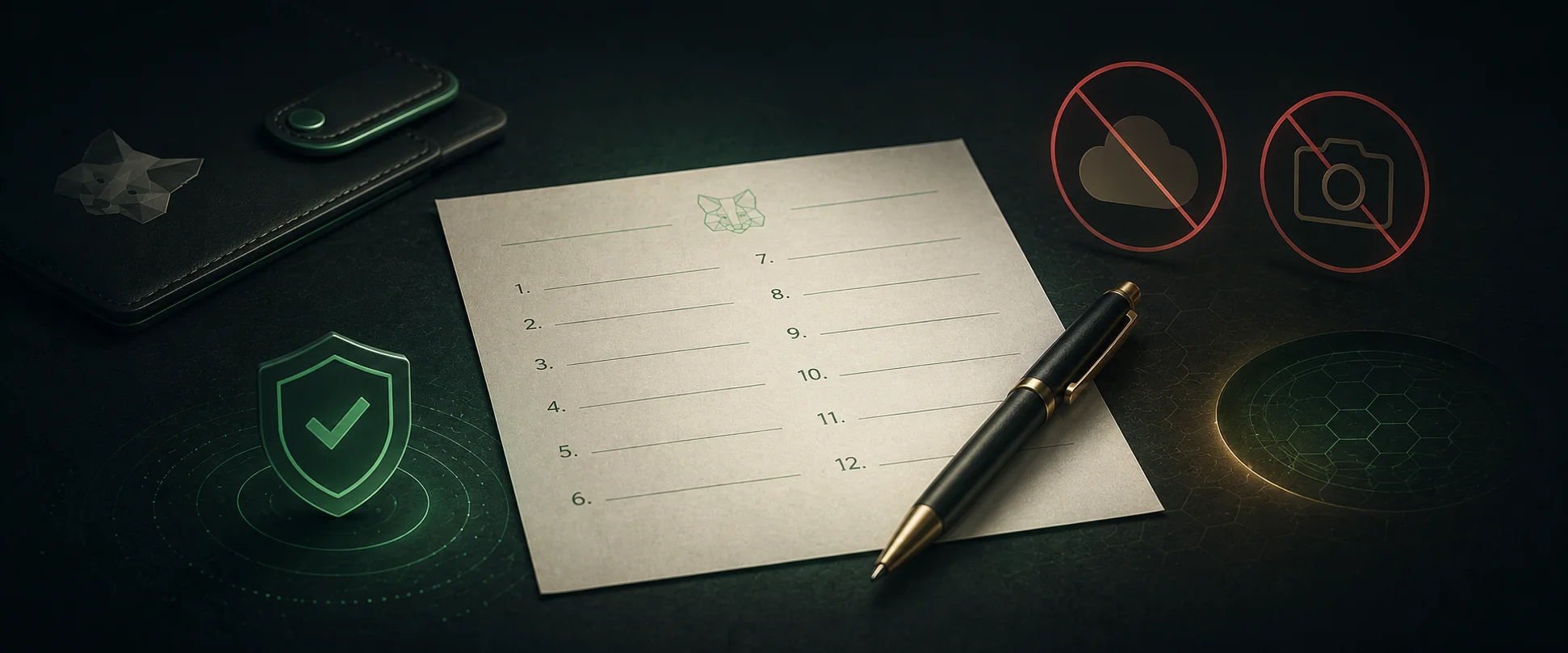
- Write the 12 words on paper, in order, and store them offline. Never screenshot them or save them online.
- Confirm the words when asked. Your wallet is now created, with a public address starting 0x.
Never share these words
If anyone, including fake support, a casino or a giveaway, asks for your 12 words, it is a scam. Real services only need your public 0x address.
Understand your address and networks
- Your 0x address is safe to share. It is how you receive funds.
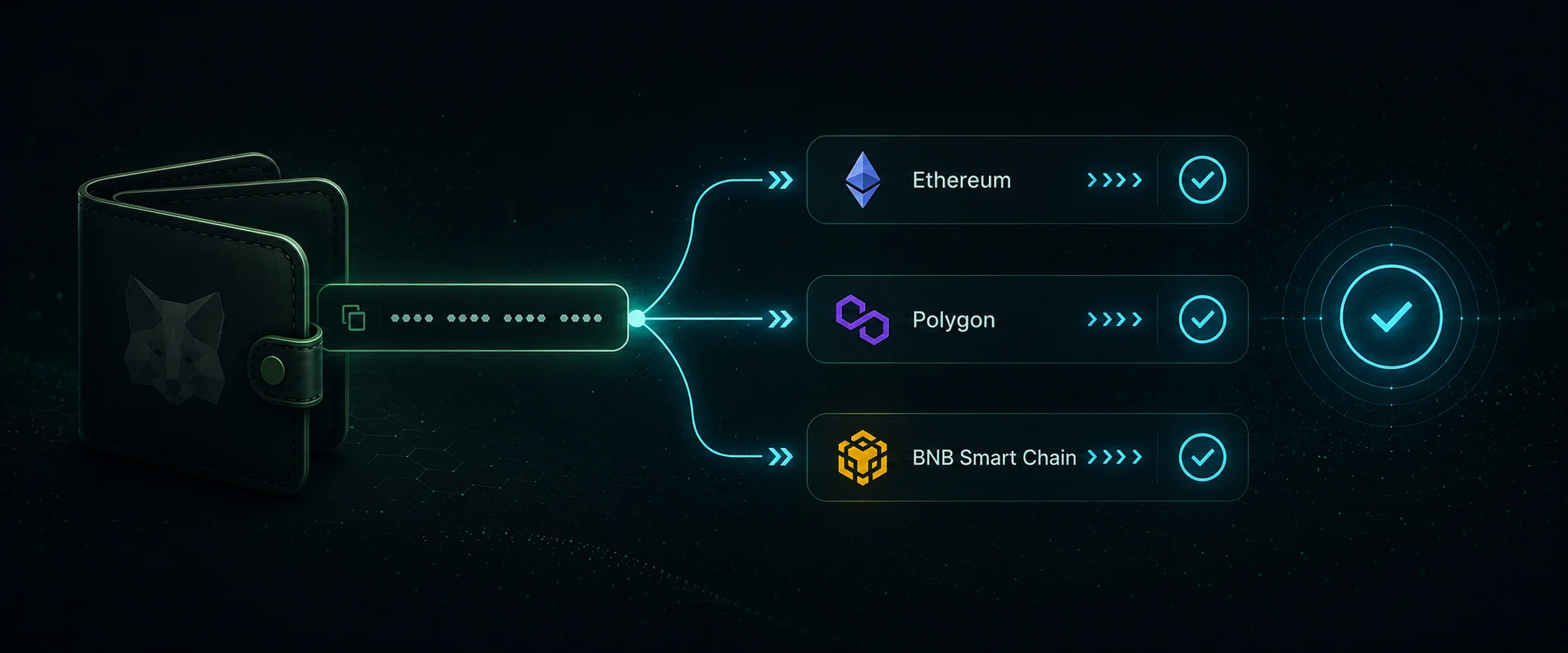
- MetaMask opens on Ethereum Mainnet, and also supports cheaper Layer 2 networks like Arbitrum, Optimism and Base.
- The send network must match the receive network, or funds can be lost.
Add funds to your wallet
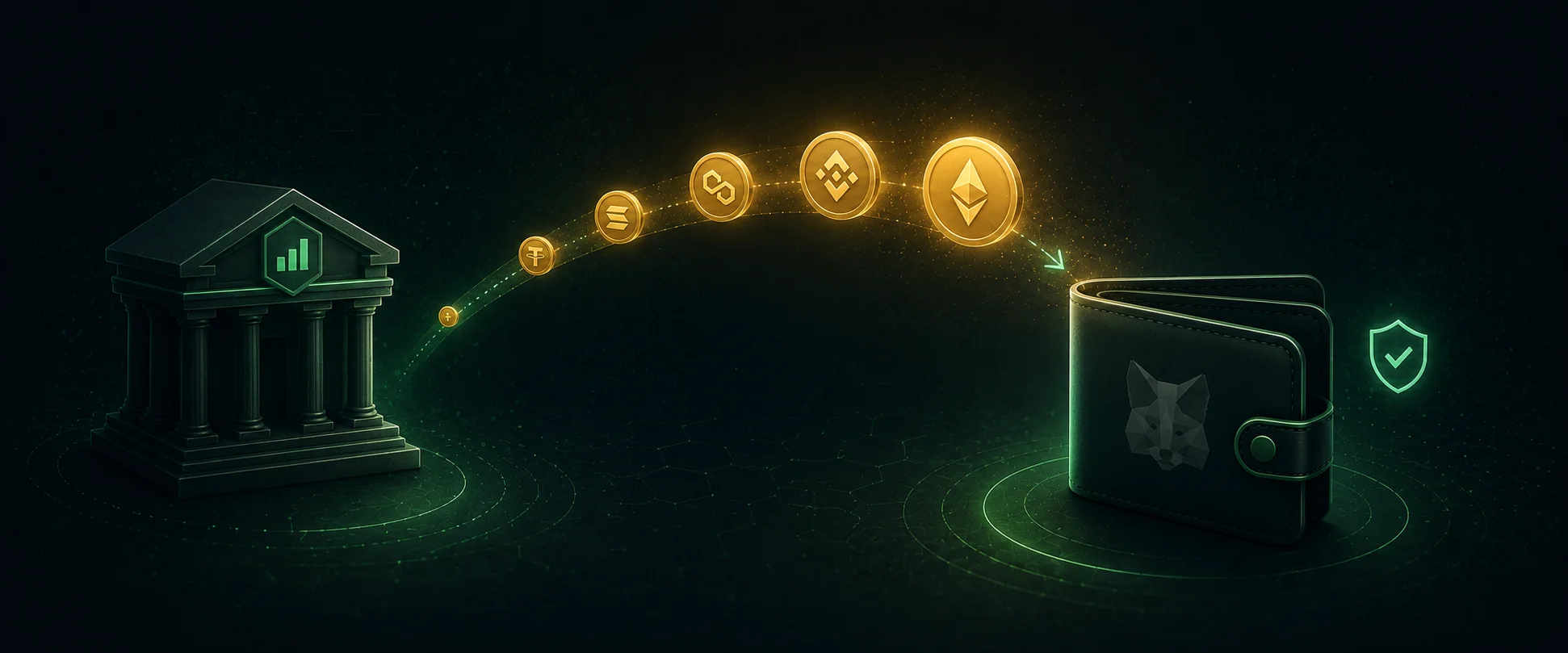
- From an exchange: buy ETH or a stablecoin, then withdraw to your MetaMask address on the matching network.
- Inside MetaMask: the Buy option uses third party providers, with fees and availability by country.
Connect to a casino and deposit safely
- Choose Connect Wallet, pick MetaMask, approve. This shares only your public address.
- Check the website address first. Phishing clones trigger fake prompts.
- Before approving any transaction, check the amount, the token and the network.
- Review every signature request and decline anything unclear. Set deposit limits and play responsibly.
Security checklist
- 12 word phrase stored offline, never online, never shared.
- Downloads only from official sources, publisher verified.
- A small test transfer before any large one.
- Network checked on both sides of every transfer.
- For larger balances, consider a hardware wallet, which MetaMask can connect to.
Frequently asked questions
Is MetaMask free?
Yes. You only pay blockchain network fees when you transact, not to create or hold the wallet.
What if I forget my password?
Reinstall MetaMask and restore with your 12 word recovery phrase, then set a new password.
What if I lose my recovery phrase?
If you also lose the device, no one can recover the funds. This is why the offline backup matters.
Does connecting to a casino risk my funds?
Connecting shares only your public address. Risk comes from what you approve afterwards, so review every prompt.
Which network is best for casino deposits?
A Layer 2 like Arbitrum, Optimism or Base is usually cheapest, but only if the casino supports it.
